
Go into File management - Files
New File and click on the magnifying glass
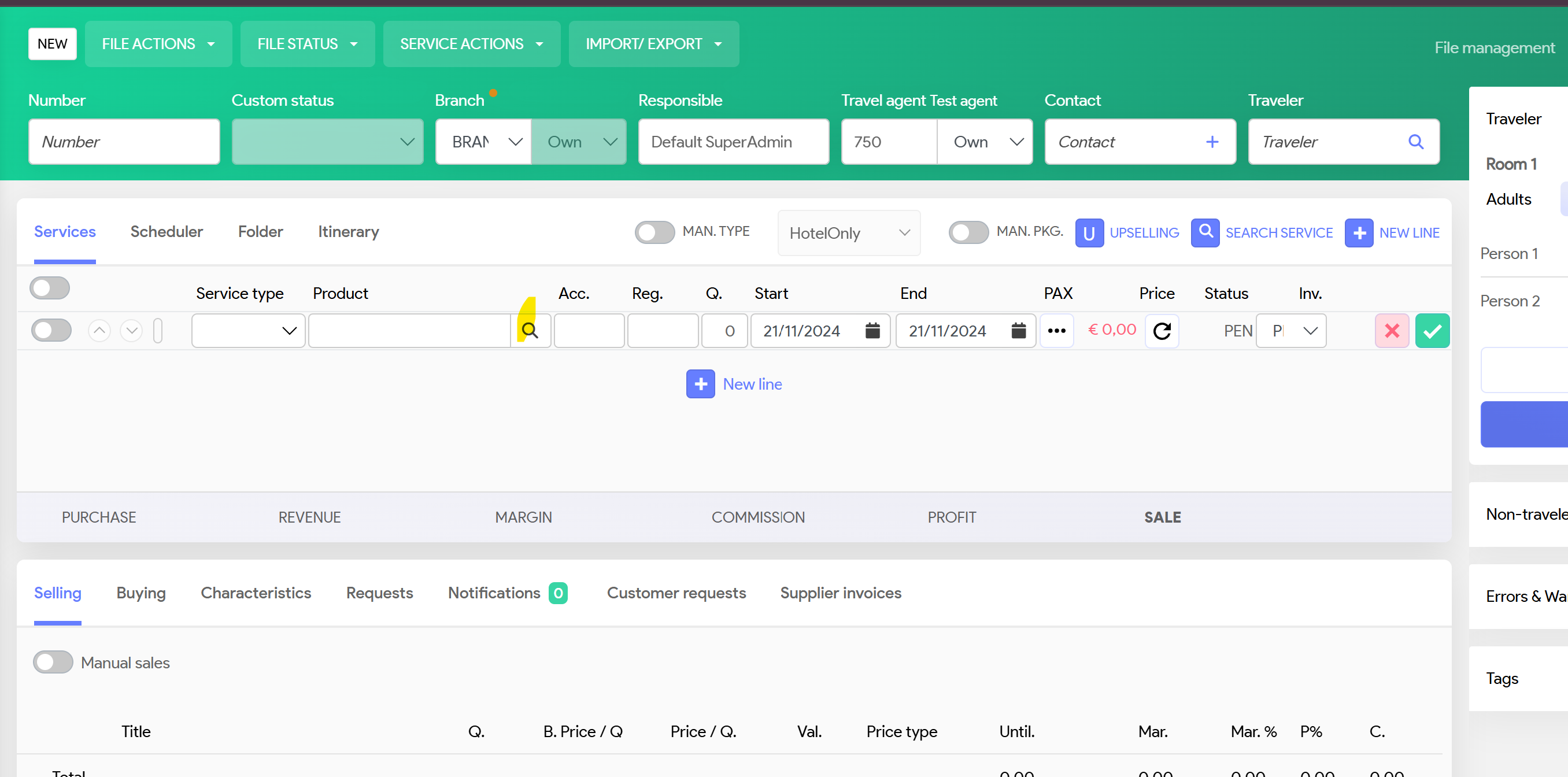
System will populate
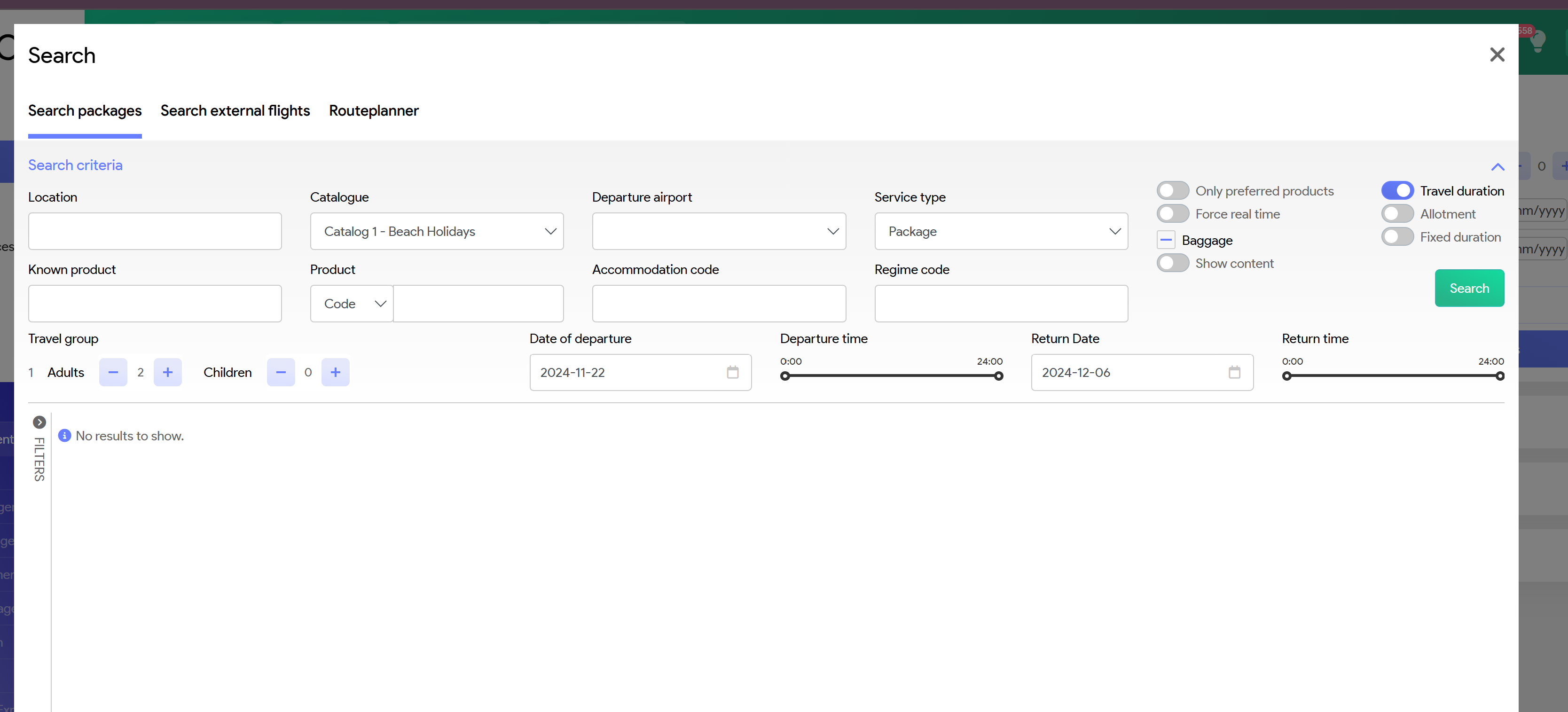
Required input fields:
- Location
- Catalogue: Ensure you select the correct one
- Service type: Ensure you select the correct one
- Travel dates
System will revert with all results for your search criteria
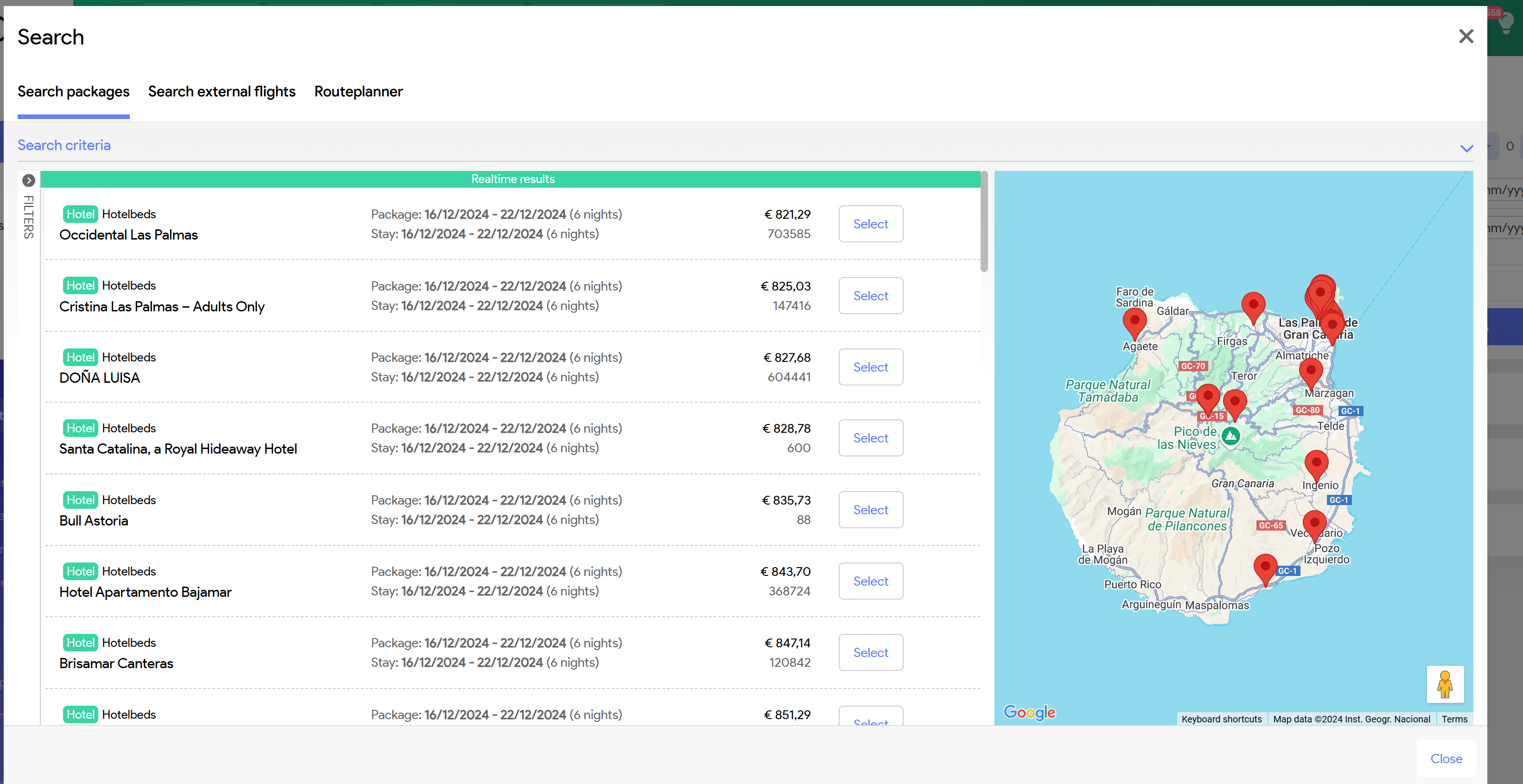
Prices shown are package price for your travel party
If you want to narrow your hotels, zoom out on the map.
You will see the results reducing
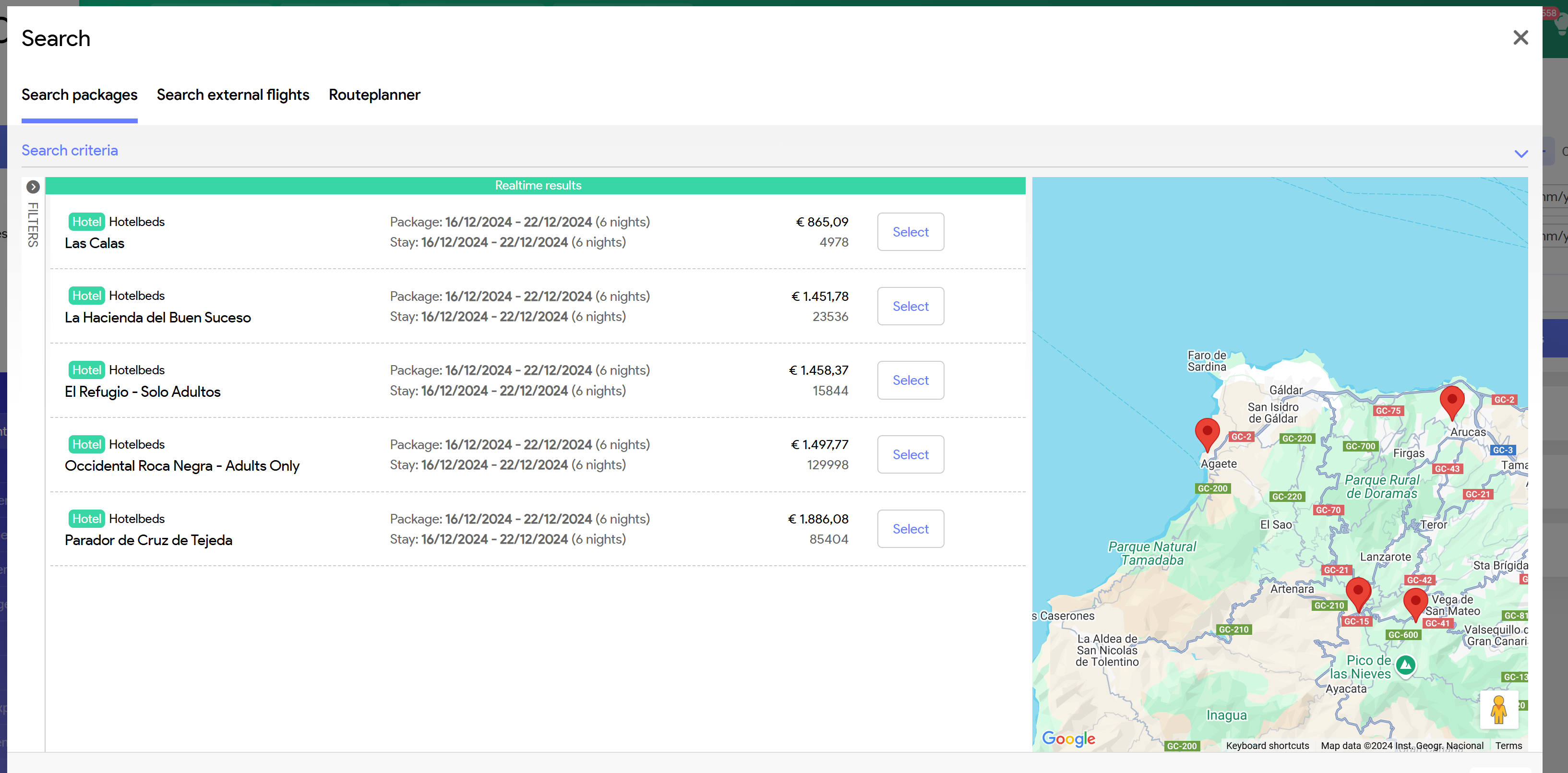
Select the hotel you want and system will populate below
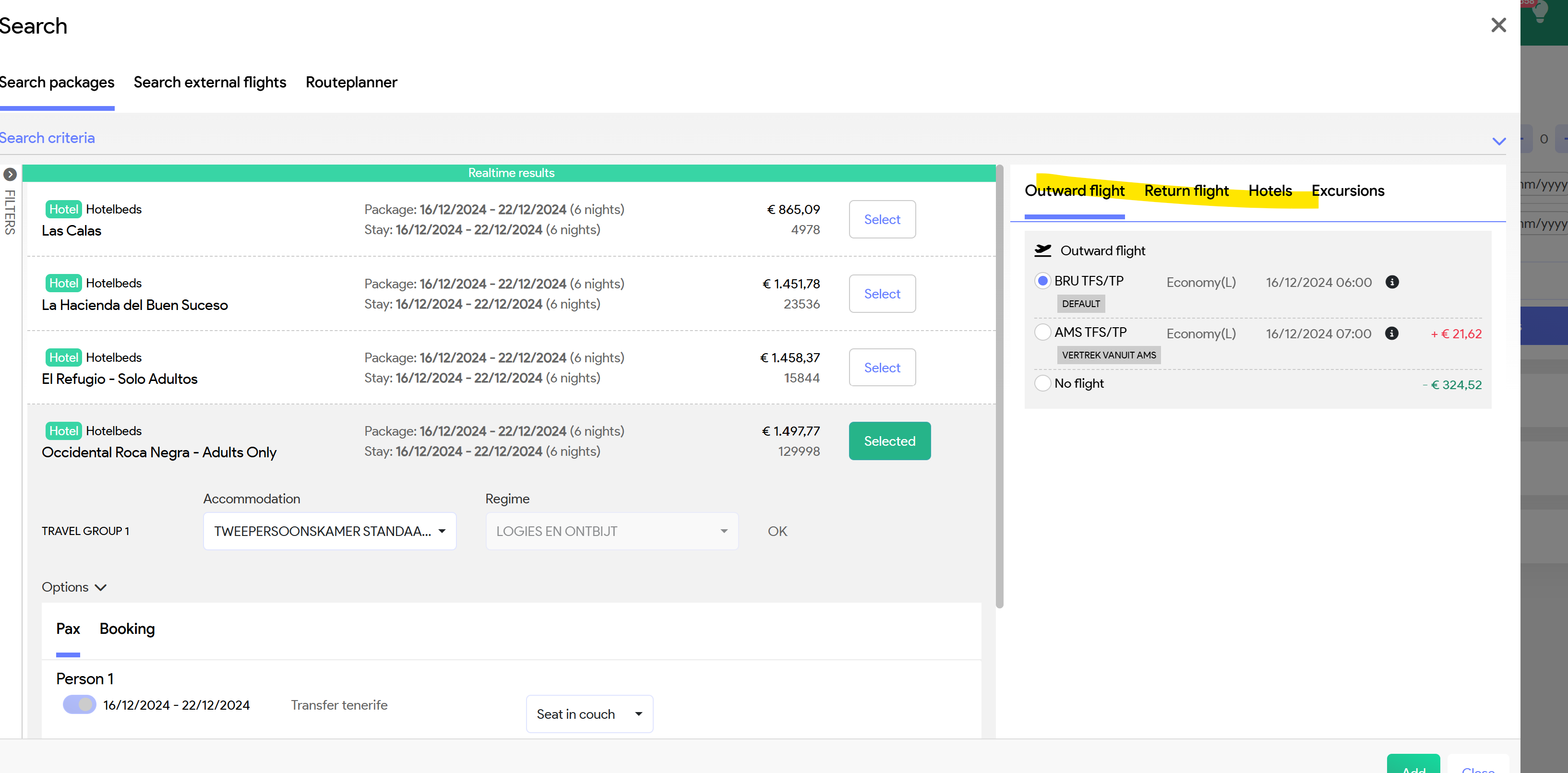
You can change here
- Room type (if available)
- Board type (if available)
- Flights
Once selections have been updated, click on green Add, right bottom corner and data will be inserted in your booking screen
Add your pax details
In case your quote is for a B2B, ensure that B2B field has been filed in

You can save your booking.