
Go into your booking
Select : New line
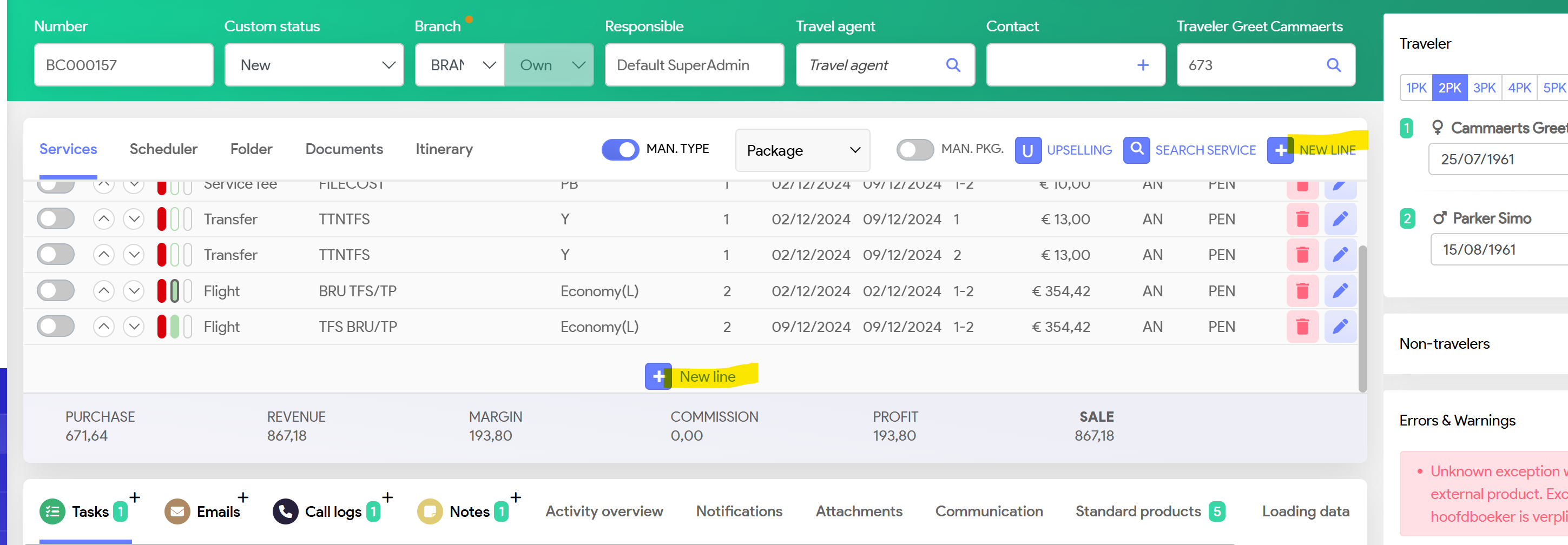
System will populate
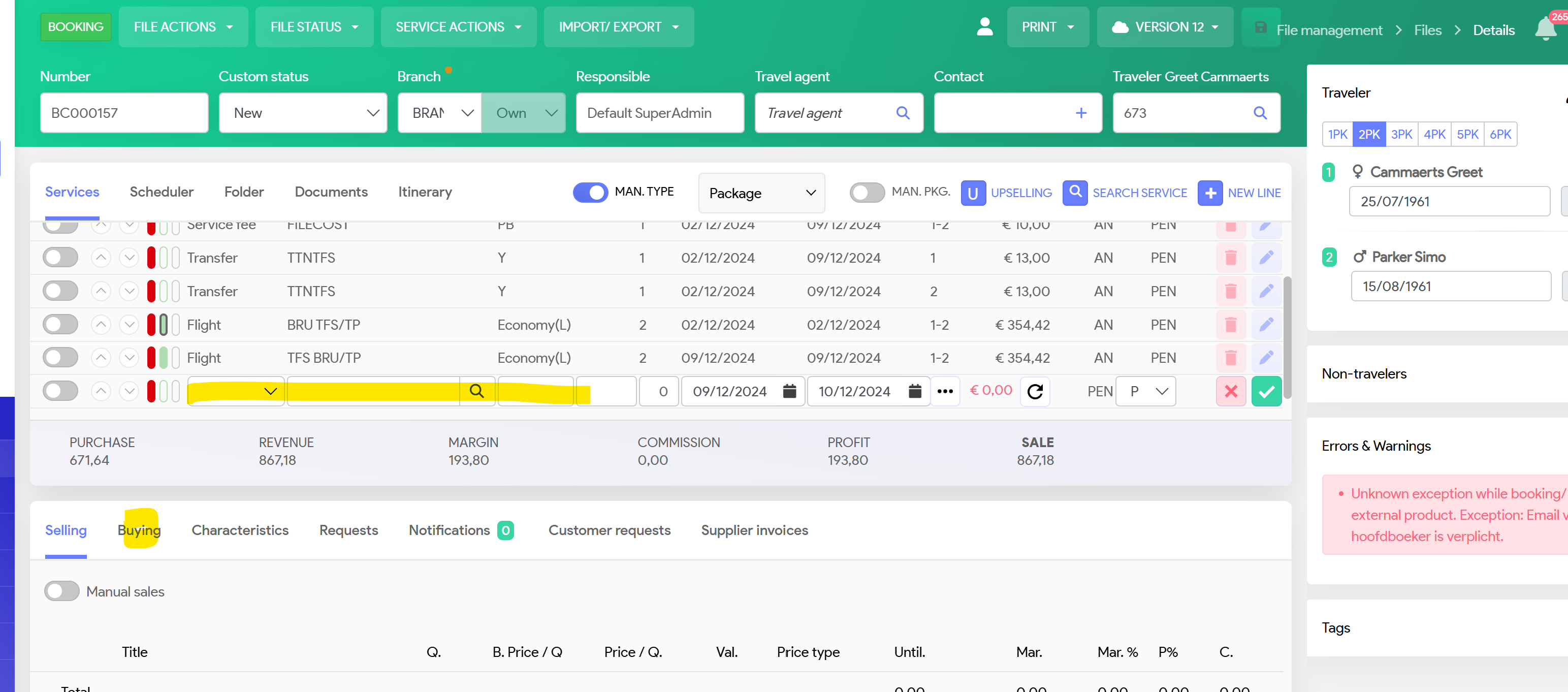
If you have a price from your supplier, you can start on the tab 'Buying'
Click ono Manual Purchase and input your data.
System will calculate the Selling price, based on the margin rules etc set up in Administration.
You can also input a Manual selling price
Next step:
Go to the tab Characteristics and input the required information


Booking number: Confirmation number you've received from your supplier. This will also be mentioned on your communication with your supplier
Adress, Billing, Request and rep address (as per Product set up in Product management)
Country and location: Important, related to VAT calculation of your service line