
- Knowledge base
- Getting started
How to add notes to your booking
Go into your booking and click on + Notes, system will populate side screen
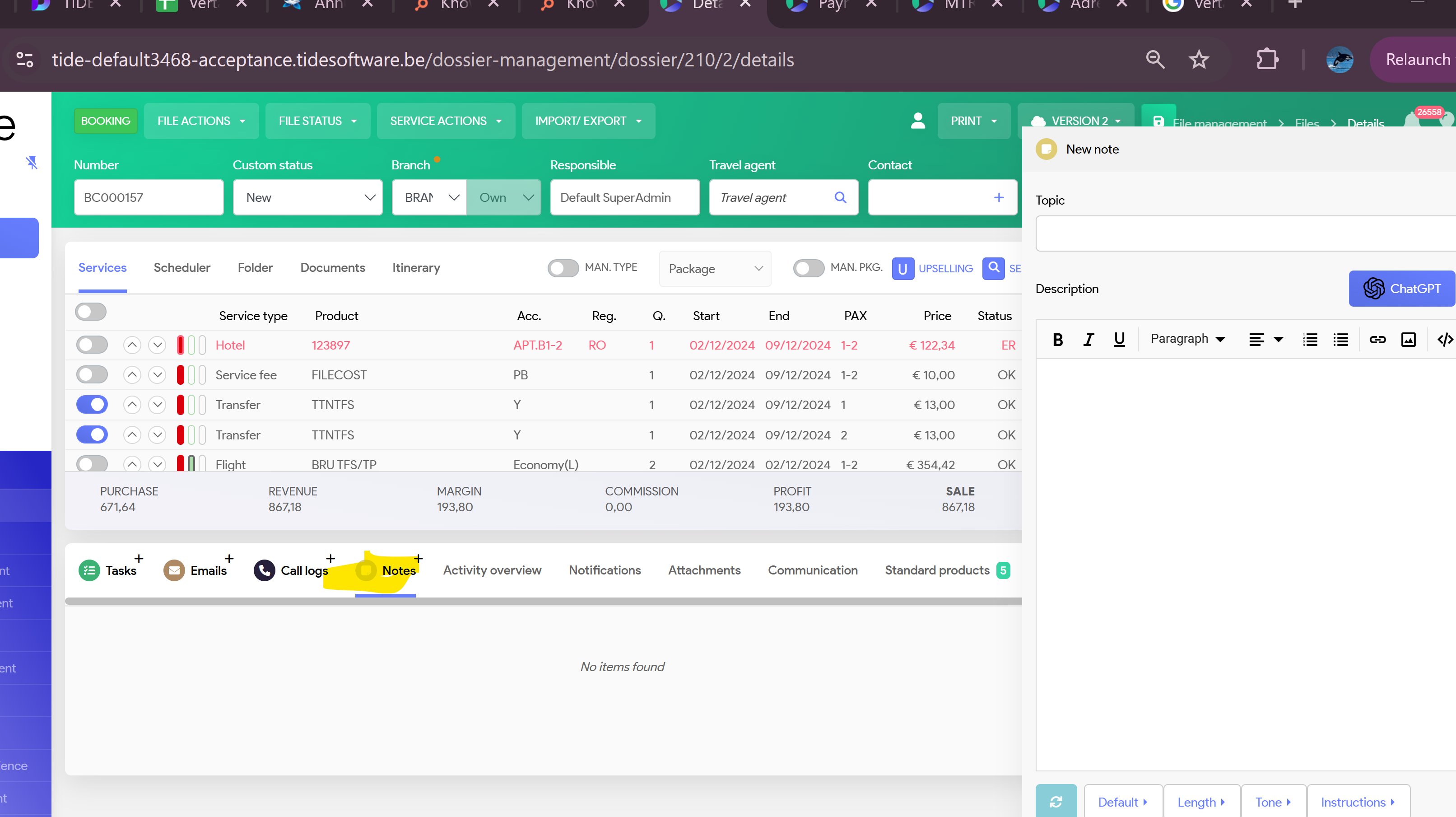
You can add notes here and click on save
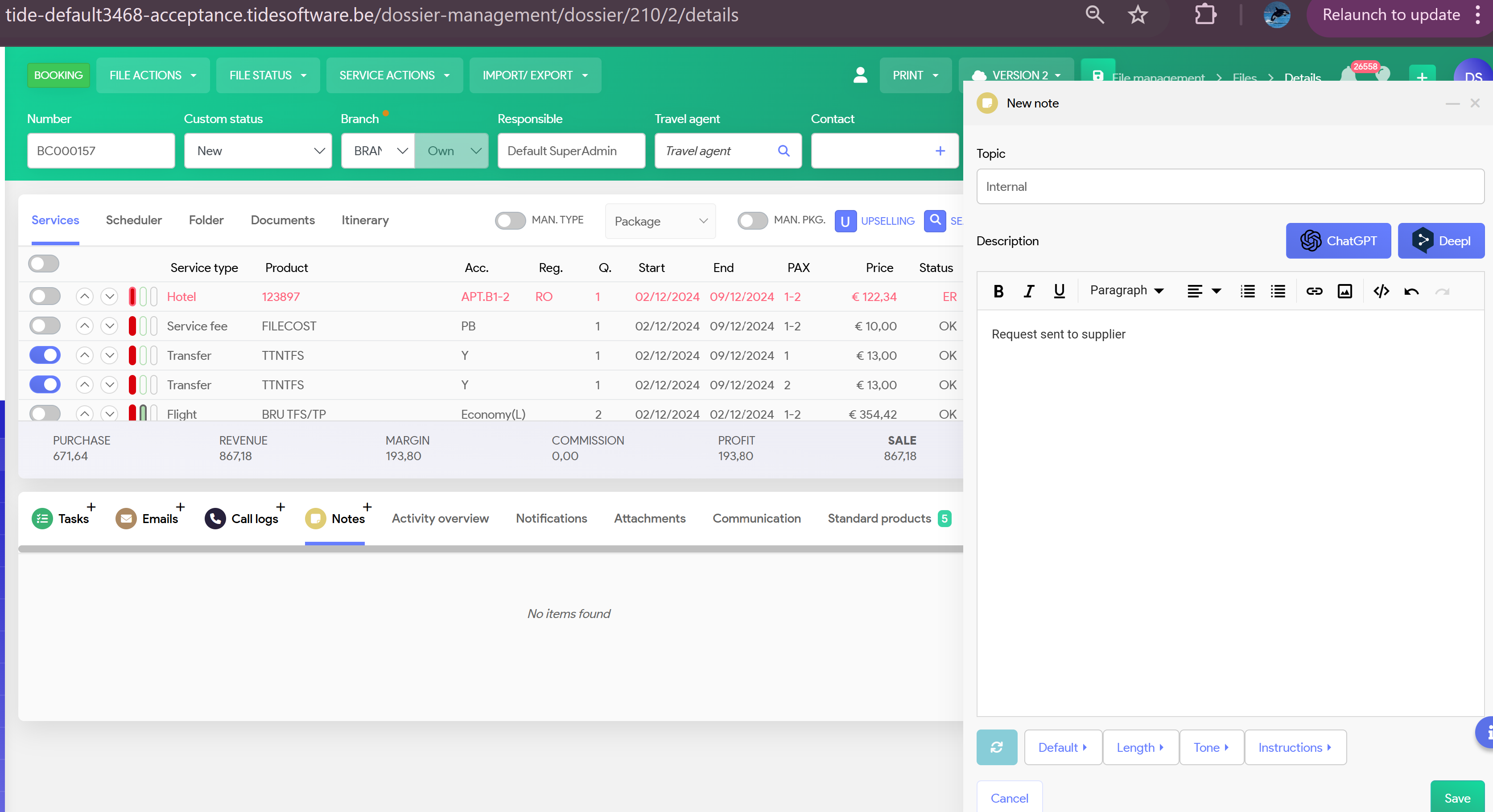
Go into your booking and click on + Notes, system will populate side screen
You can add notes here and click on save