
Select from the main Booking menu, the booking you want to cancel
Ensure you are in the correct version and variant of your offer and click on File actions - Booking.
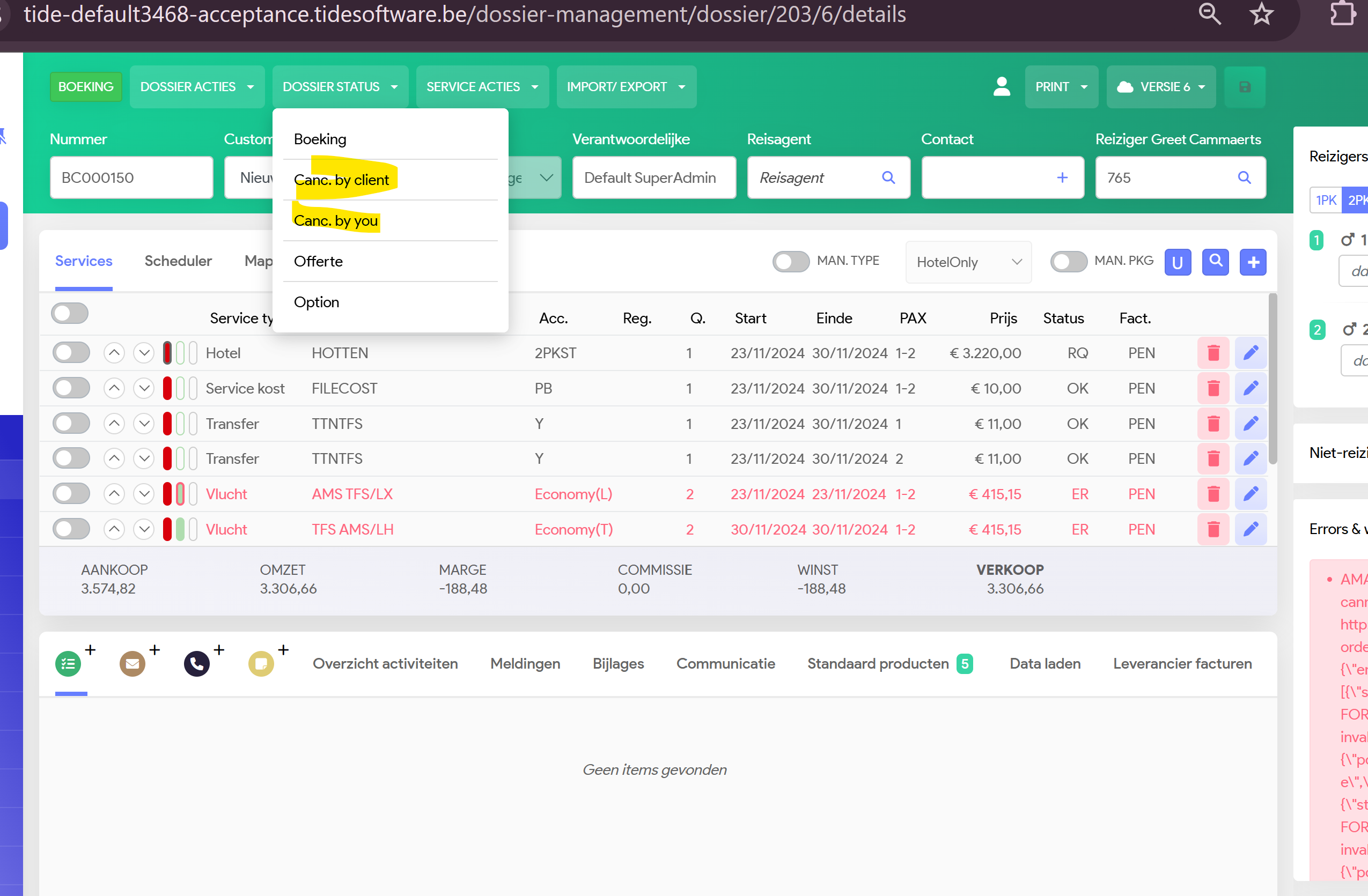
You have 2 options:
- Cancel by client: this will create a new version, where all the Buying prices are put to 0 and the selling price, will be calculated, based on your Calculation rules in Administration
- Cancel by you: This will create a new version, where all the service lines for both Buying and selling prices will be put to 0 amount