- Knowledge base
- Getting started
How to change the Status of an Entry line in the booking
If your service line is On Request (RQ), then you can manually change the status to Confirmed
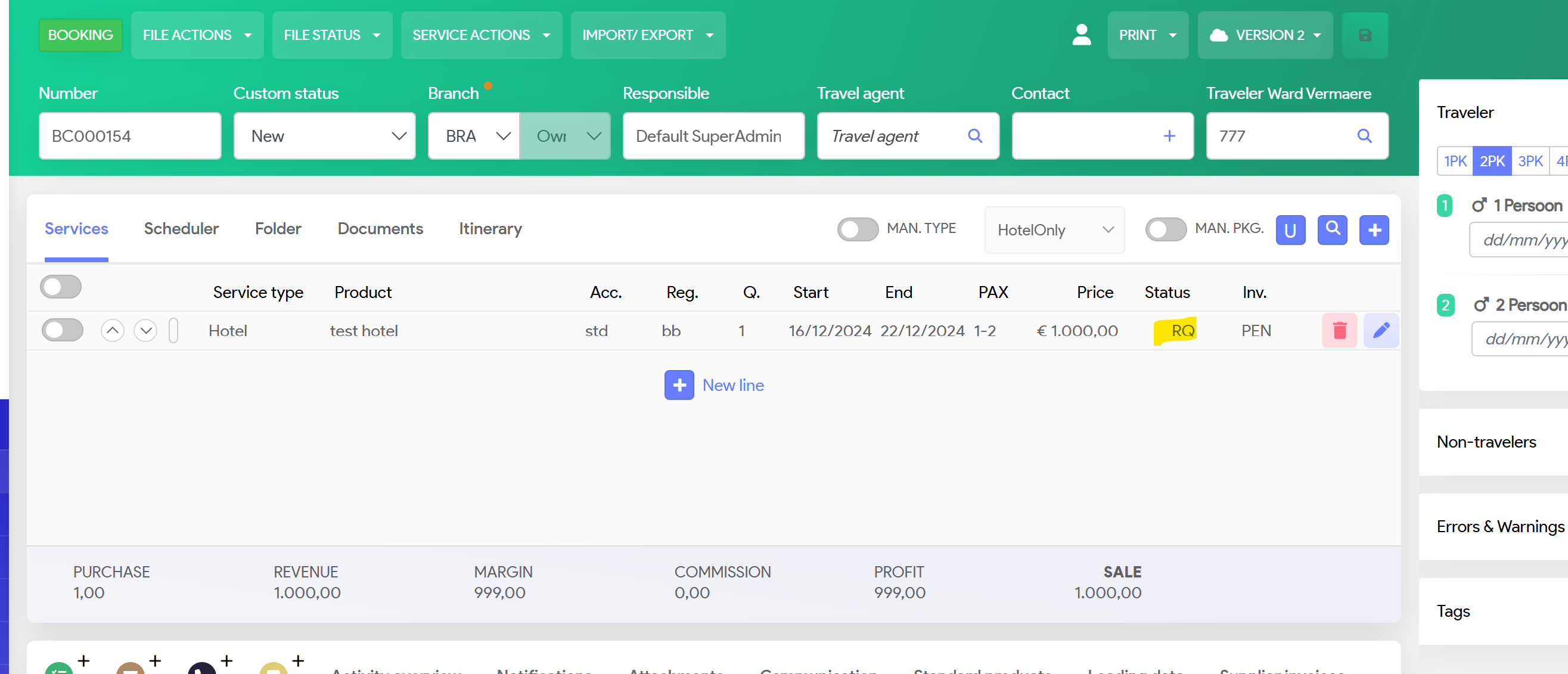
Ensure you do have the correct confirmations from your supplier.
Select the service line with clicking on the left button (under Services)
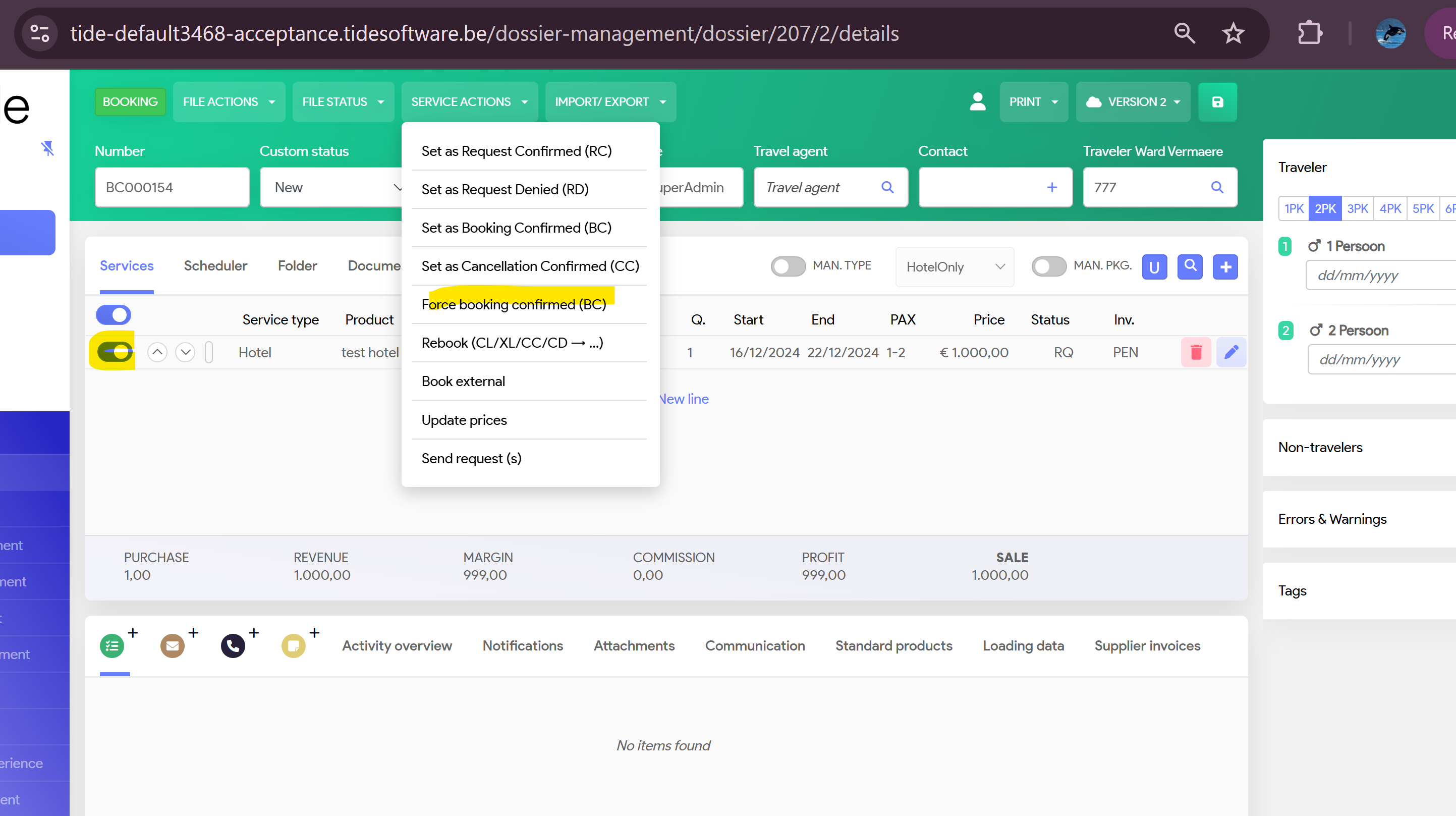
Select Service Actions
Then 'Force booking confirmed'
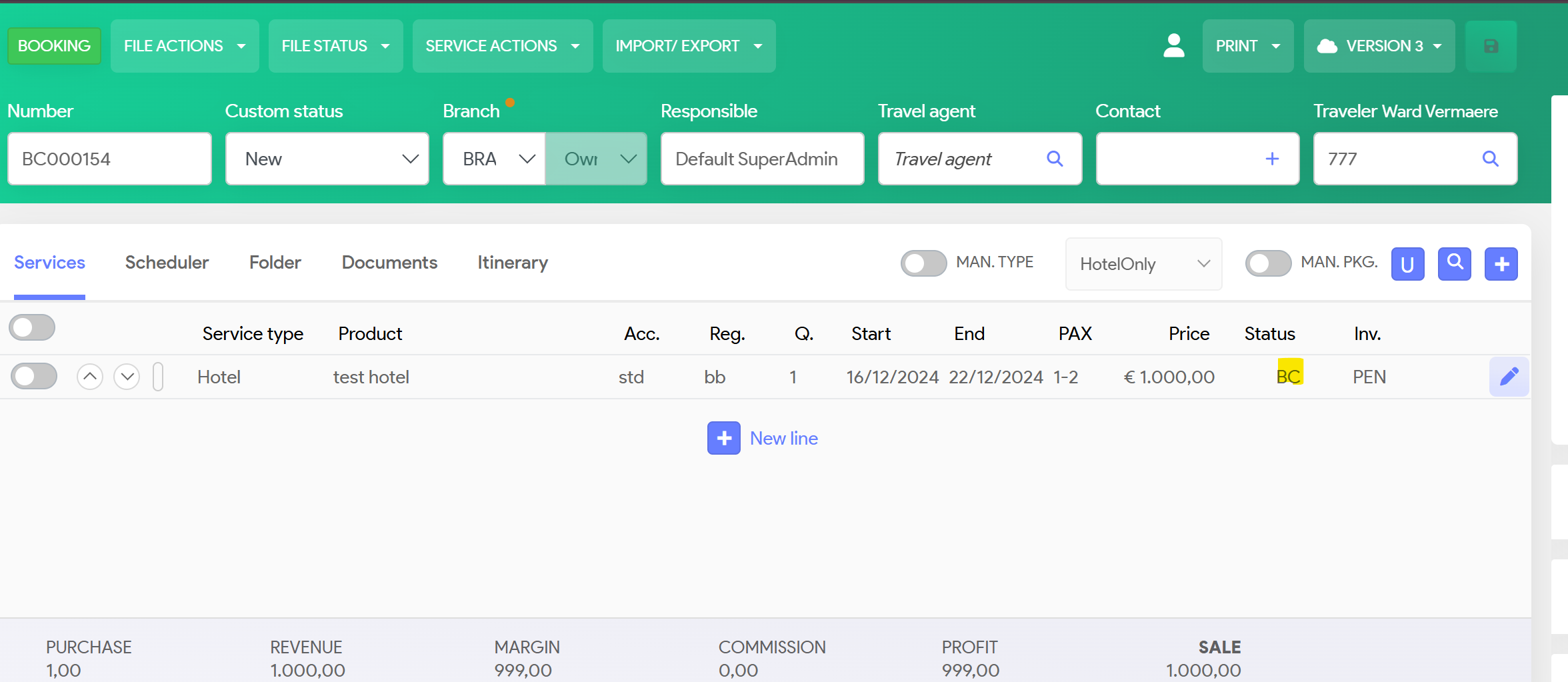
Status of service line will change from RQ to BC