- Knowledge base
- Getting started
How to create a Customer address in the booking (Add Pax)
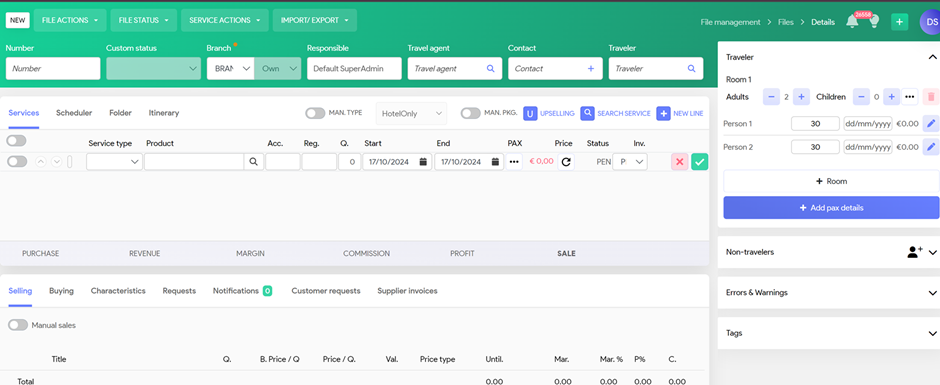
In the booking screen
Click on the right block, Add Pax details
System will populate a blanc screen
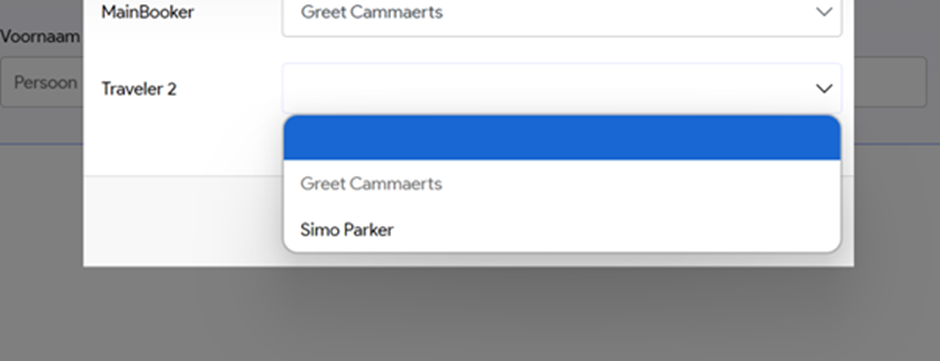
By inputting the first name, system will check, if there is already a customer with same address and populate ‘suggestions’ of travel party, based on previous bookings.
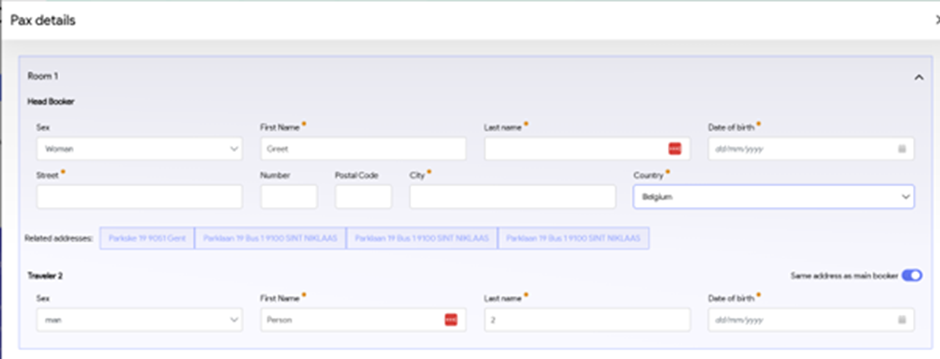
You can select the correct travel party, or add a new traveller.