How to input a Customer payment in the booking
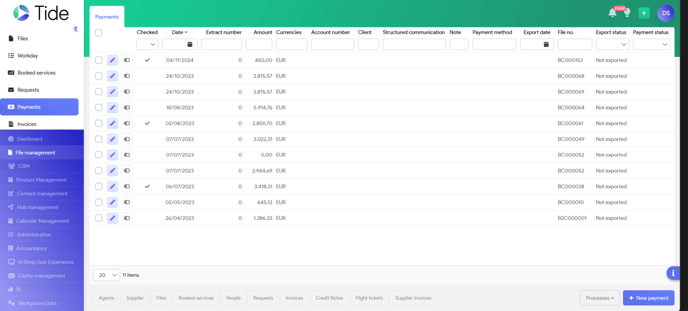
Select Payment in your File Management Menu and Select 'New Payment'
System will populate blanc screens:
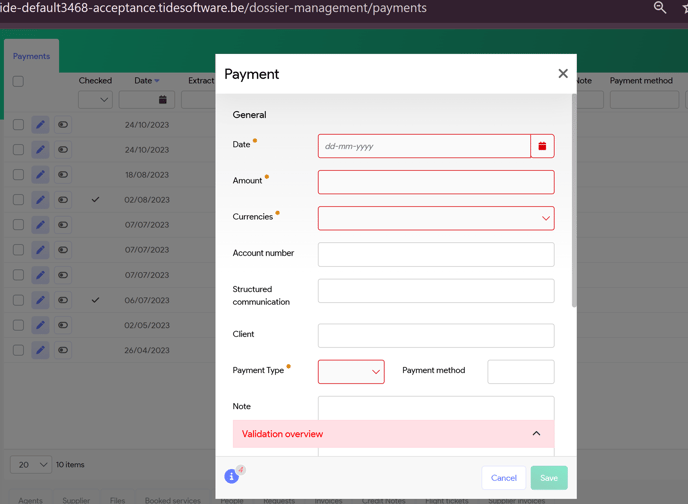
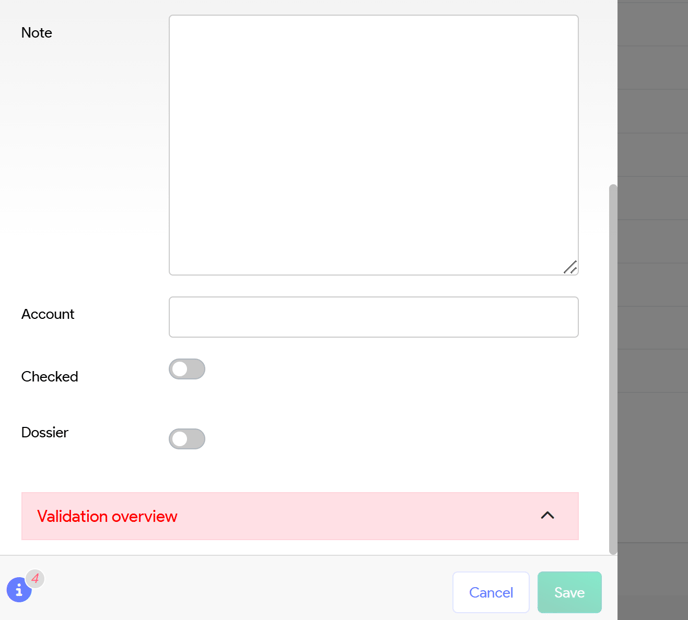
Input all fields as necessary, mandatory fields to be completed are shown in red
Click on Dossier and system will show an extra field to input your booking number
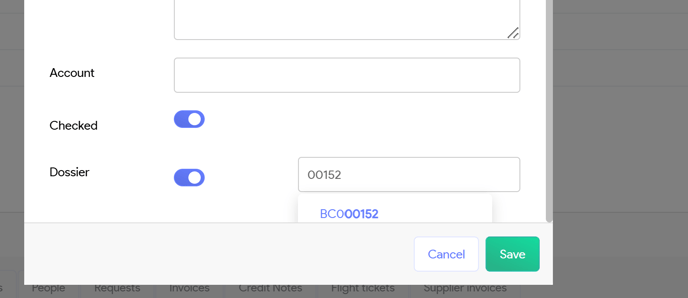
Input your booking number and system will validate if this is a correct number.
Once you've saved your payment, you will see it populating in the list with Payments
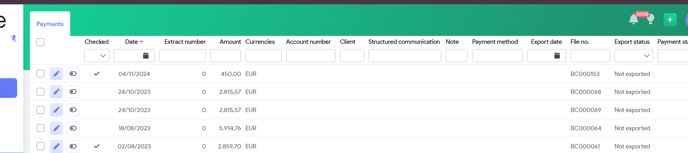
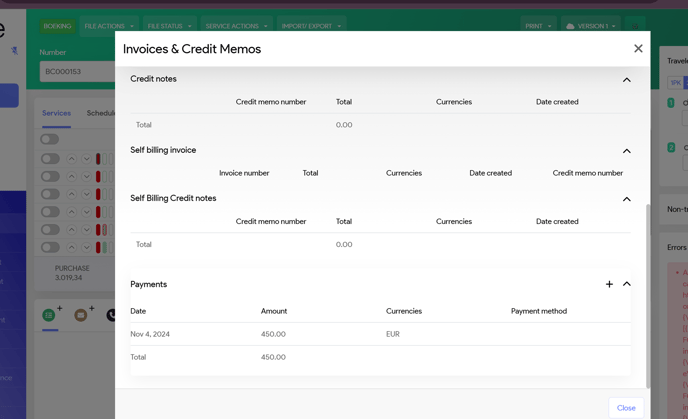
Payment will also be shown in your booking
Go to your booking, Select File actions and then Invoices and credit notes.
On the bottom of the screen, you will see the payments, which are logged in the system