Pre-requisite: Ensure your supplier is set up as a Person
Go into CRM
Select Person
Select 'Change Person' and scroll down
- Link your person with the correct company
- Select 'In Destination management'
- Select 'Active'
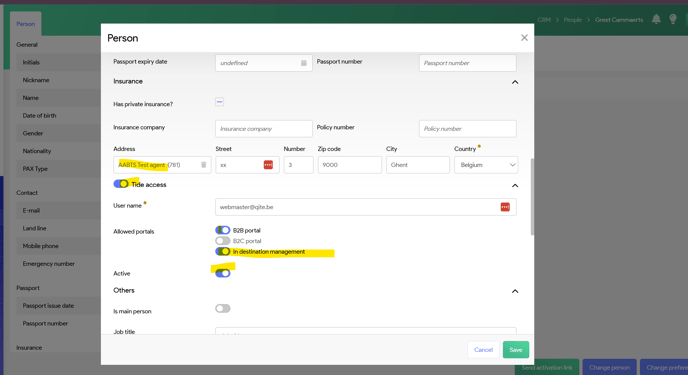
and select 'Save'
At the right bottom, you'll see the button 'Send Activation link
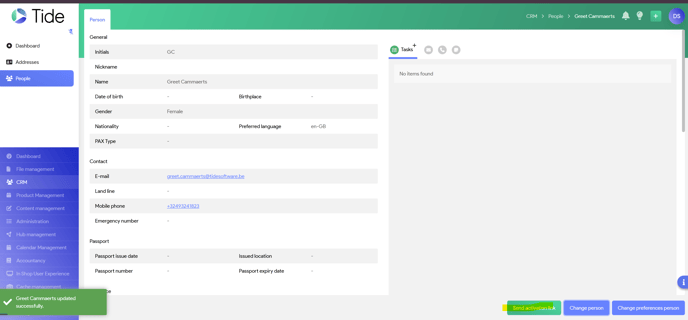
Once sent, your supplier will get the notification to activate his account.
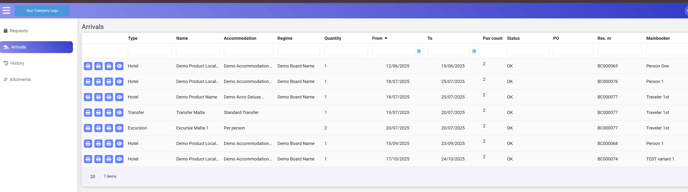
Once activated, he will be able to see the upcoming arrivals, as from 14 days in advance, for all services booked via this supplier