A brief guide to file import and export
The Import/Export functions in Tide allow you to back up, share, or import file data to streamline support, setup, and third-party integration workflows.
Key Functions
Download File Data
If you are experiencing an issue with a file or you would like to preserve its current state, you can download a snapshot of the file as a .json file.
- Open to the affected/desired file in File interface
- Select IMPORT/EXPORT menu
-
Click File data download.
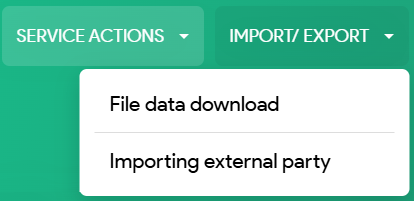
-
A technical .json file will be downloaded containing the full dossier data.
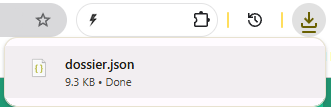
This file can be securely shared with a support colleague, setup colleague, or a Tide support representative
Use case
This is especially useful when:
-
Troubleshooting a complex file issue.
-
Replicating and analyzing the file in a different environment.
-
Sharing a complete file snapshot without losing any data.
Loading the File
The back-up json data can be loaded via Loading data at the bottom of the file screen. This will recreate the file as it was at the time of download.
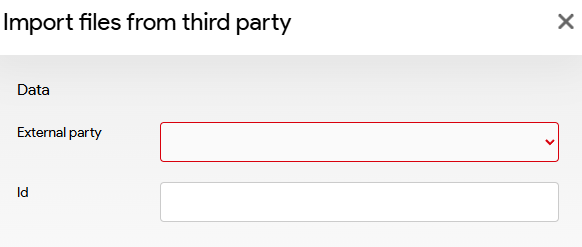
Loading external data
In this module you can import import files from third a party. These must first be properly configured by the Tide team.