
What Is It?
The Workday section in Tide is a centralized dashboard used to manage operational follow-up tasks, calls and sales opportunities. This workday section ensures
-
Consistent operational tracking across users and teams.
-
Clear visibility of communication logs.
-
Easier prioritization of sales and service actions.
-
Seamless collaboration between departments.
There are 5 distinct categories that can be managed in the workday dashboard:
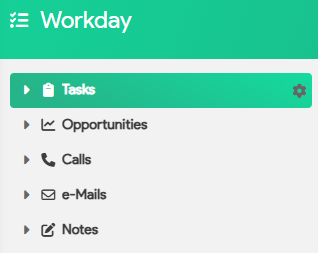
Each category features distinct views, allowing you to tailor the dashboard to suit your specific needs.
 |
Click the gear icon next to configure the views. |
Let's explore each category in more detail:
Tasks
Opportunities
Calls
Emails
Notes
Tasks
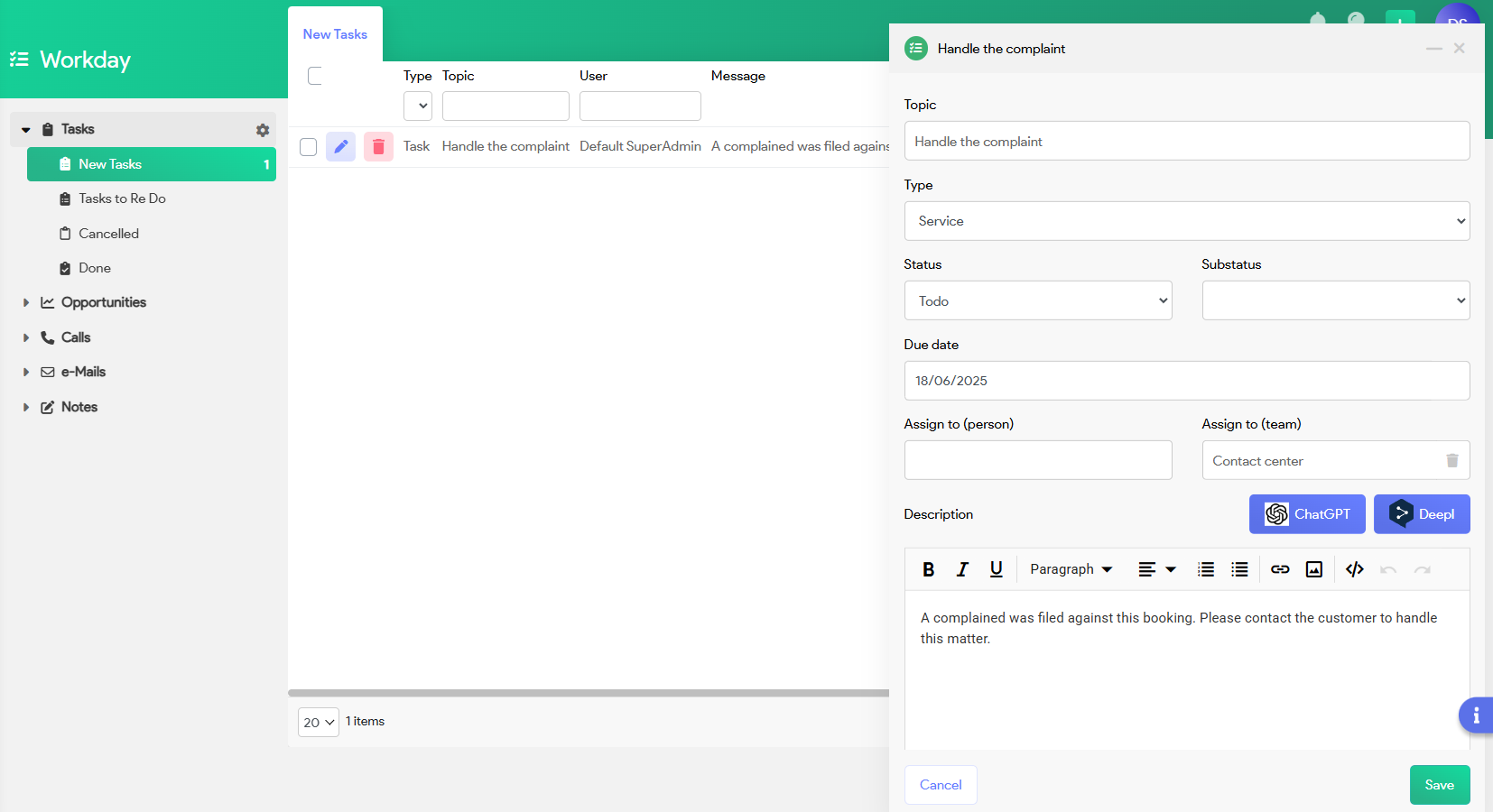
All follow-up actions such as to-dos, booking-related interventions or operational checks.
-
New Tasks: Tasks that have been created but are not yet handled.
-
Tasks to Re-Do: Tasks that were previously marked as completed or cancelled but have been reopened.
-
Cancelled: Tasks that were intentionally closed without execution.
-
Done: Tasks that have been successfully completed.
- Manage tasks directly: e.g. edit the status; add a substatus , assign to a specific employee, add a follow up task,...
Opportunities
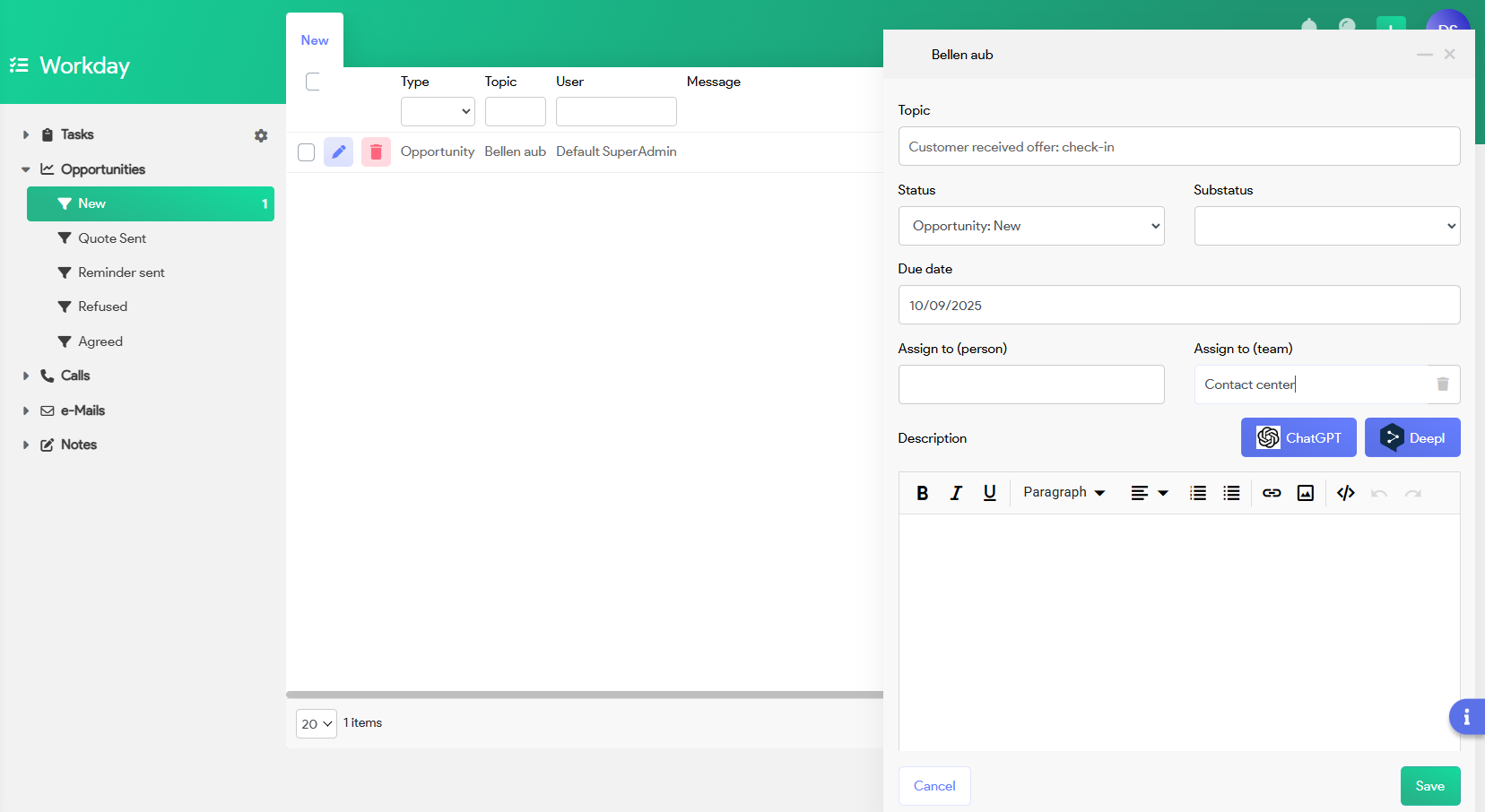
Manage and track the status of commercial opportunities, such as leads and quotations.
-
New: New sales opportunities entered into the system.
-
Quote Sent: Opportunities for which a quotation has already been shared with the client.
-
Other stages (not shown but typically present): Won, Lost, In Progress, etc.
- Manage opportunities directly: e.g. edit the opportunity status; add a substatus , assign to a specific employee, change the due date, delete the opportunity,...
Calls
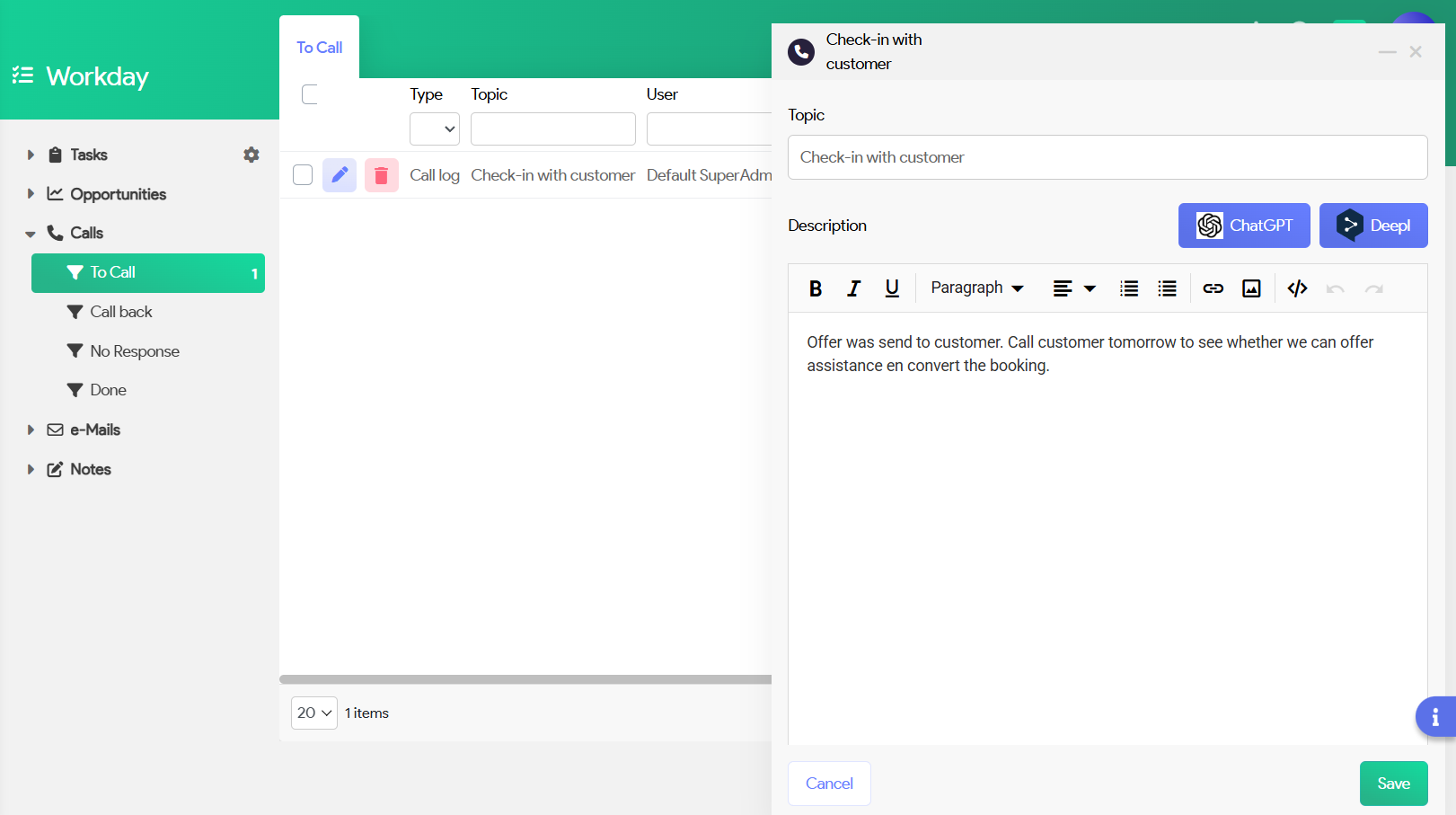
Manage incoming and outgoing calls.
-
Track who was contacted, when, and why.
-
Use for both sales follow-ups and operational support.
-
Linked directly to dossiers, clients, or tasks.
- Manage the call directly from this module e.g. edit the status; add customer link, add a follow up task,...
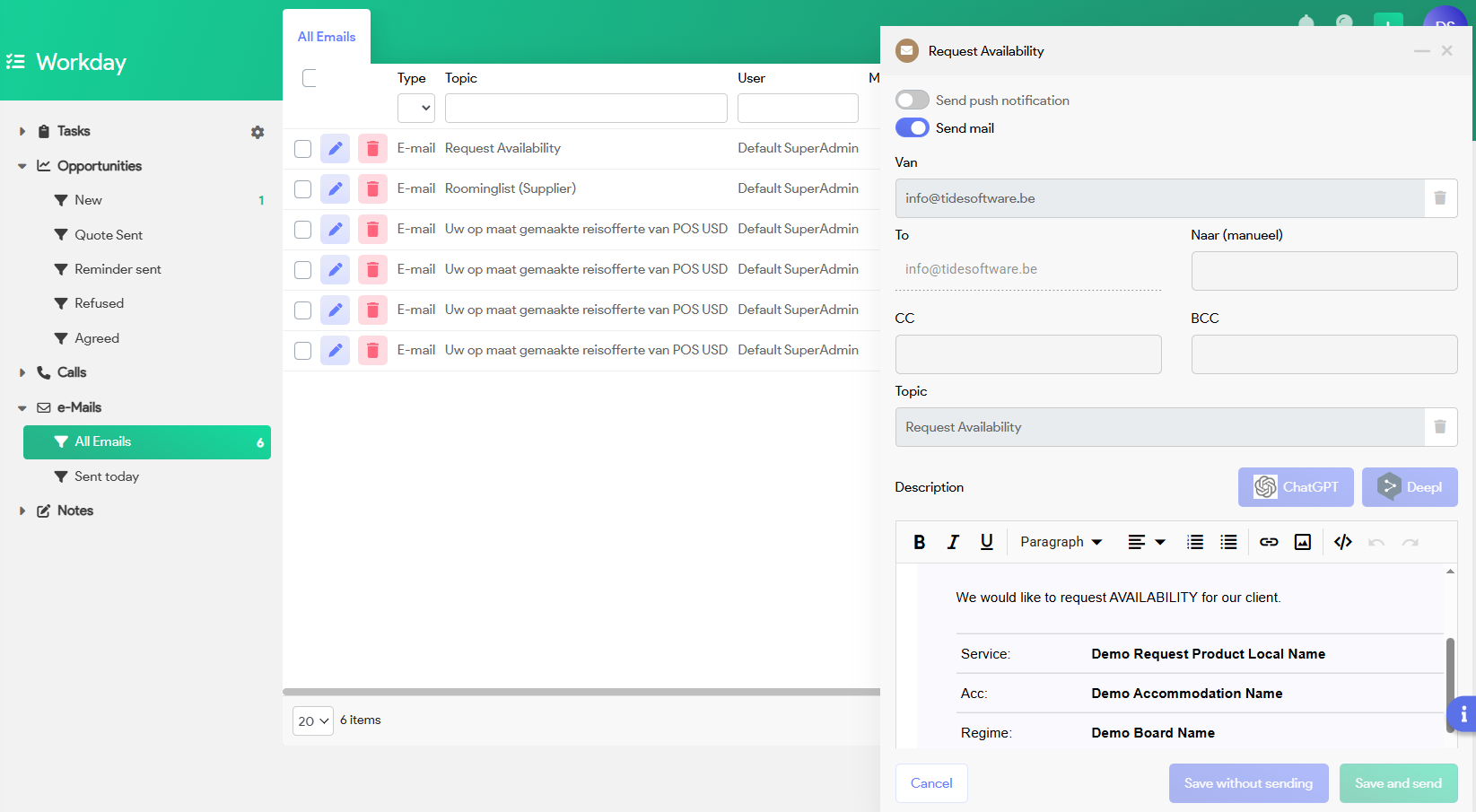
Emails
Record email communications.
-
View emails sent from within Tide.
-
Searchable per booking or client.
- Handle request when colleague is on holiday.
-
Useful for complaint follow-up, booking confirmation, etc.
Notes
Internal notes or free-form records.
-
Great for recording context, background info, or customer history.
-
Can be linked to files, clients, or other workday elements.